Find the right flight first
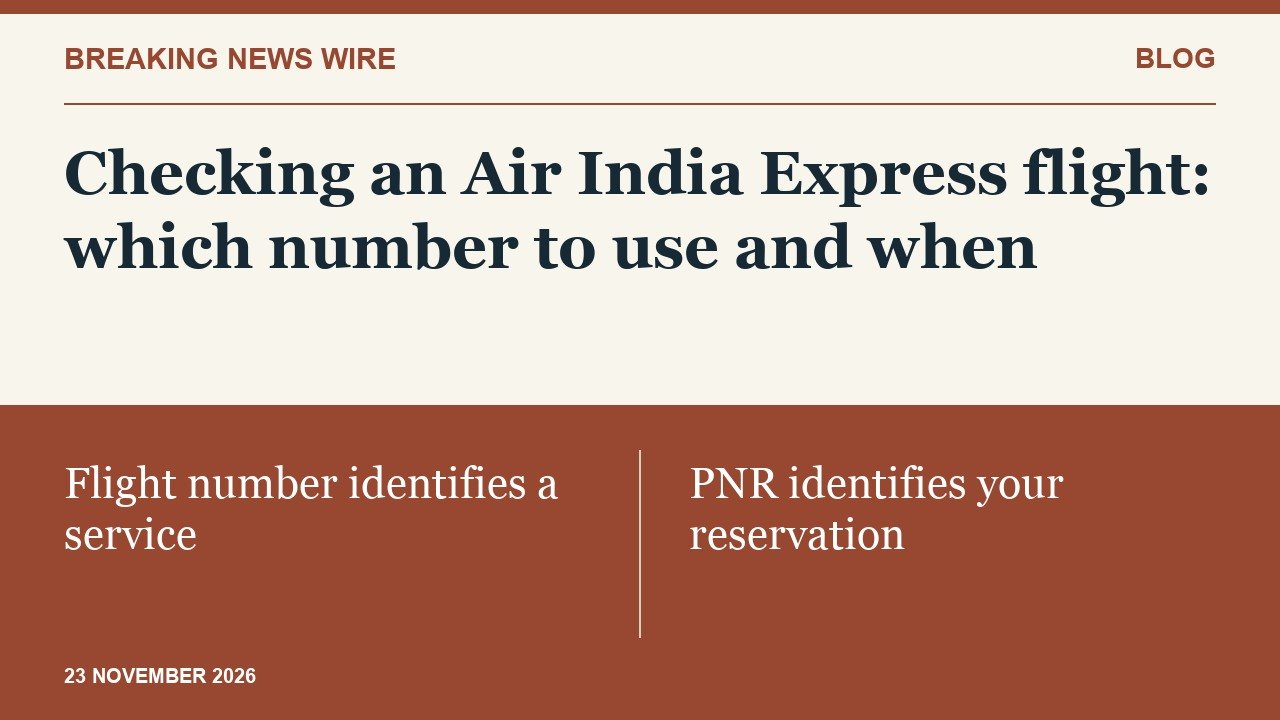
When an airline name starts appearing in search, it can be hard to tell whether a story concerns your own departure. Start with the itinerary. Find the travel date, origin, destination and flight number. On its route pages Air India Express directs passengers to Flight Status, where they can search using a flight number or route. A flight number can repeat on different dates, so the date on the result matters.
Keep the booking reference for the next question
A flight-status lookup answers a question about the aircraft service. A booking reference, also called a PNR, identifies a reservation. If you need to check the details recorded against your ticket, use the airline’s booking-management page and the passenger surname as printed on the reservation. People booked on the same departure can have different ticket conditions. A status result alone cannot tell either person the cost of changing a ticket.
When a screenshot starts circulating
Match the flight number and date in the image to the itinerary, then check the airline’s current status page. For a journey with a connection, repeat that check for each flight. A message about the first leg leaves the second leg unresolved. At the airport, compare the departure screen with the latest airline instructions. Use the airline’s own booking channel before making changes that could affect the ticket.
Sources · Air India Express flight status instructions · Air India Express booking and management guidance